
Set up once and verify each step
Create ie444 access with fewer avoidable errors
Registration links a mobile number and account details to the member service, so accuracy matters from the first field. This walkthrough helps eligible Indian adults prepare, confirm and secure an ie444 profile without handing control to an unofficial helper.
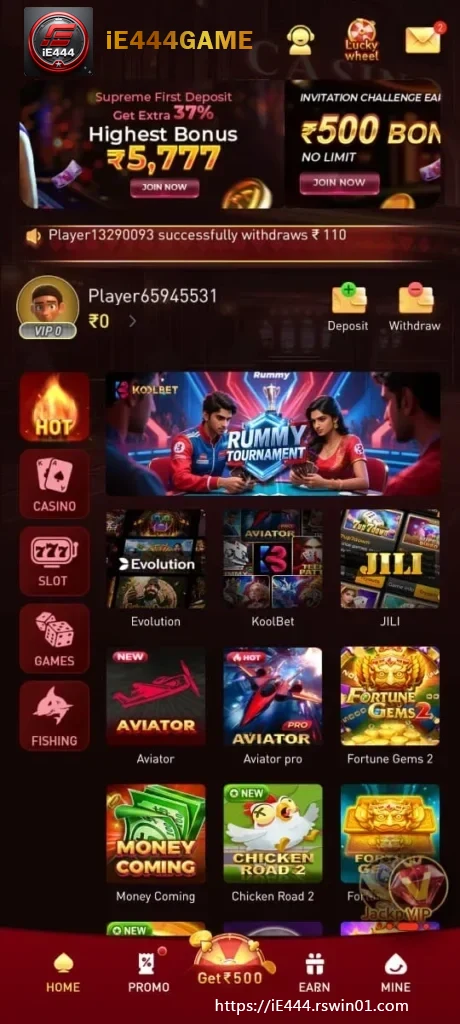
Prepare a private and stable session
Use a personal handset or a device you can secure, connect through a network you trust and make sure the active mobile number can receive messages. Review the age and location conditions before entering information. If identity details are requested, submit them only through the verified member interface. Do not photograph documents for someone contacting you through an unrelated chat. Correct information at the start makes later recovery and account review easier.
Type the mobile number deliberately
Select the proper country context when the form provides one, then check every digit before requesting verification. A delayed SMS does not necessarily mean the first request failed. Wait briefly and use only the newest code if another is requested. An ie444 verification code is intended for the open registration screen. It should never be forwarded to a caller, agent or social-media account that claims it can accelerate approval.
Create a password that stays separate
Use a long phrase or supported combination that is not shared with email, banking or another entertainment service. Avoid predictable personal dates and repeated short patterns. A reputable password manager can store the value privately. Screenshots and unlocked note apps are less secure on a phone used by other people. If the platform offers an additional security check, read how it works and keep its recovery information in a controlled place.
Read boxes before agreeing
Registration screens can include essential terms, age confirmation, privacy acknowledgement and optional marketing choices. Do not select everything automatically. Open the relevant notice, distinguish a required consent from a preference and save a copy only when useful. If a welcome campaign appears, review eligibility, activation, expiry and qualifying steps. An ie444 account can be created without assuming that every displayed offer will suit the new member.
Tour the dashboard before opening a game
After confirmation, inspect the name and mobile details recorded on the profile. Locate support, security, history and sign-out. Understanding those tools gives the member a reliable way to check later changes. If a displayed detail is wrong, use the correction process promptly instead of creating another account. Keep the first visit focused on orientation and current terms rather than moving directly into a fast live interface.
Plan a safe return and recovery route
Bookmark the trusted relative entry or return through this guide. Sign out on a shared phone and avoid automatic login where another person can reach it. If access is lost, start with the recovery option shown on the current ie444 page and be ready to verify ownership through the authorised method. Ignore requests for money, passwords or one-time codes from anyone promising to bypass the official recovery process.